Turn data into operational clarity
- Connect assets, documents and decisions in one visual workspace
- See operational data in real-world geospatial context
- Move from hours of searching to action in minutes
Stop searching. Start deciding.
The data exists. Finding it is the problem.
Subsea operations teams rely on critical information spread across GIS, engineering models, inspection files, historian data, work orders and documents. Too often, engineers have to stitch the picture together manually before they can act.
Everything anchored to the physical asset
FieldTwin Operate brings data into one secure geospatial workspace, helping teams understand assets, surface context and make faster, better-evidenced decisions.
No rebuild at handover
From design handover to day-to-day operations, FieldTwin Operate helps teams work from current, validated information without replacing the systems they already use.
Built to work with your existing systems
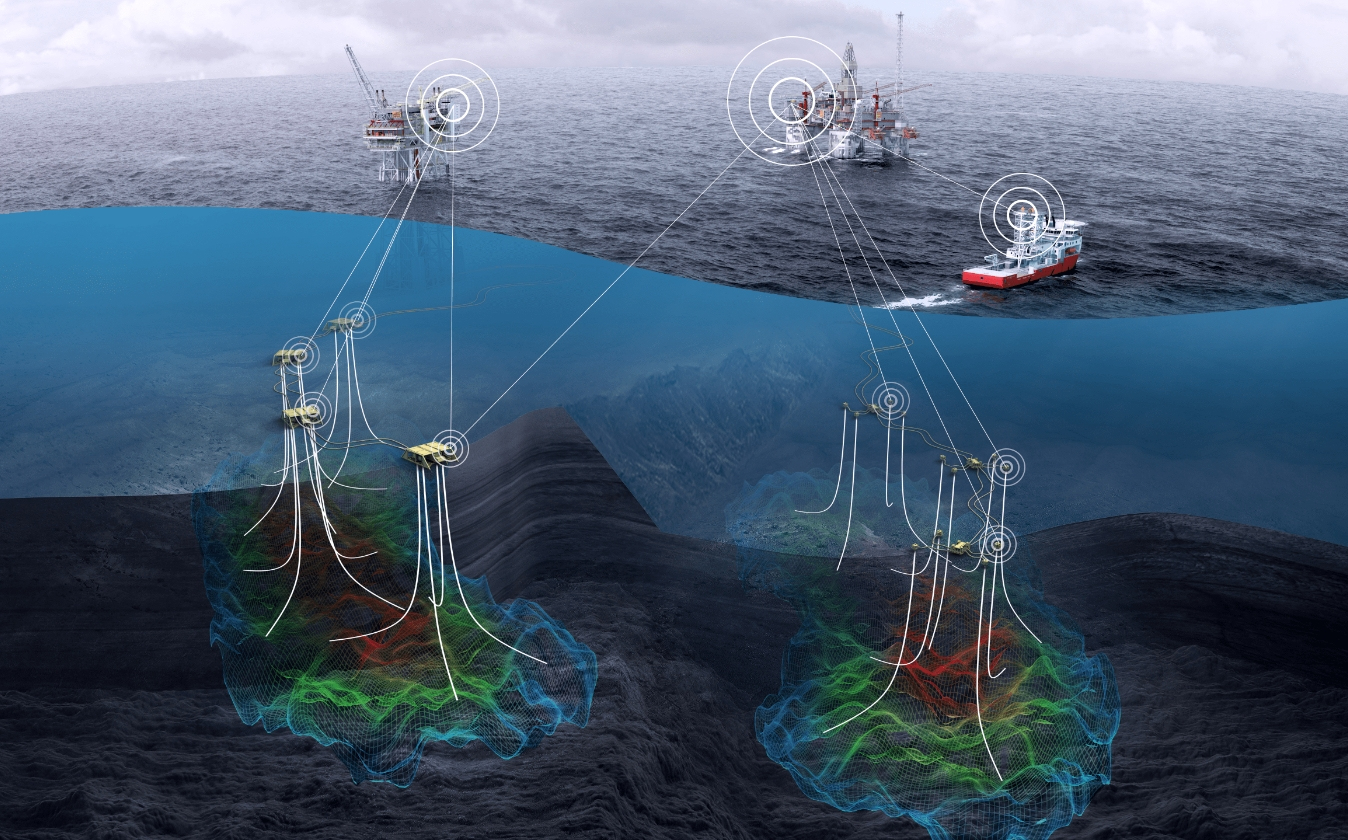
Connect data, tools and workflows without replacing them. FieldTwin Operate acts as the visual orchestration layer for your entire offshore ecosystem
FieldTwin Operate
A visual workspace that connects and contextualises your operational data
Connected systems

Asset Integrity (AIM/IDMS)
Visualise anomaly locations and severity directly on assets in context

Work Management (CMMS/EAM)
View materials, stock and work orders directly on asset context

Safety(Control of Work/PTW)
See permits and ongoing work to identify overlapping risks

Physics and Flow Assurance
Visualise simulations and pressure risks along pipeline routes

Inspection and Survey Data
Access inspection video and point clouds directly on assets

Geospatial (GIS)
View asset locations, routes and zones in geospatial context

Project Information (PIMS)
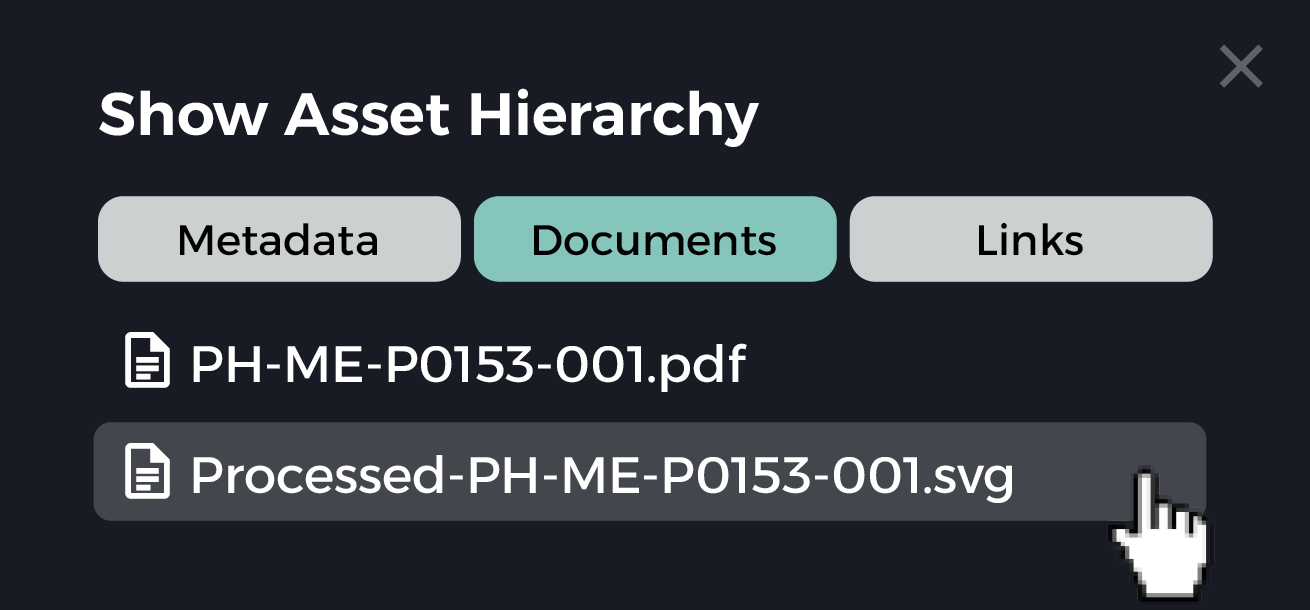
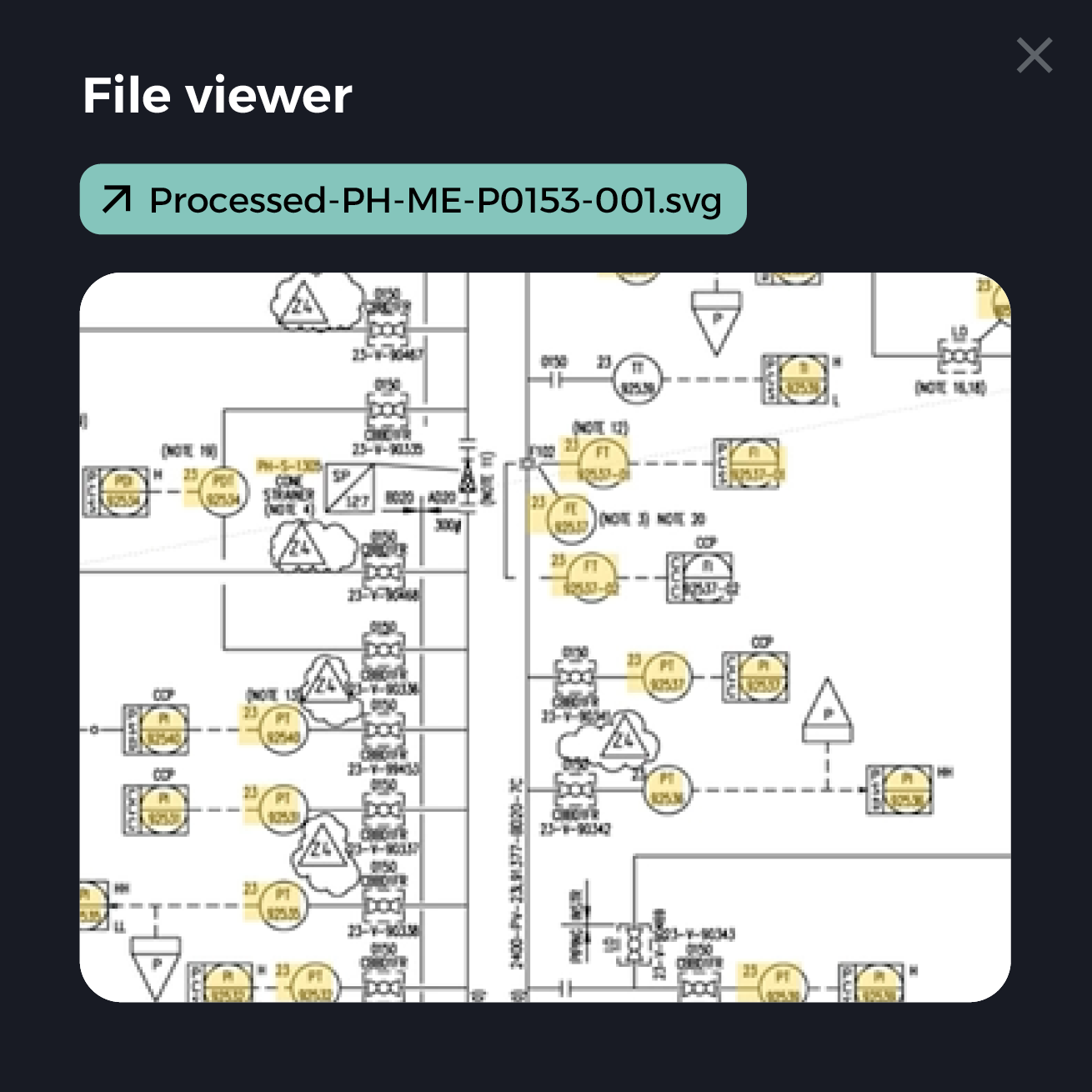
Access latest P&IDs and documents directly in asset context

Marine and Logistics (AIS)
Track vessel positions relative to assets and exclusion zones
Industrial data platform
Your existing data sources, providing the foundation for operations
Connect your data, systems and teams in one visual workspace
From data platform and historian data to GIS, documents, ROV video, point clouds and work orders, FieldTwin Operate brings operational information into the context of the asset.
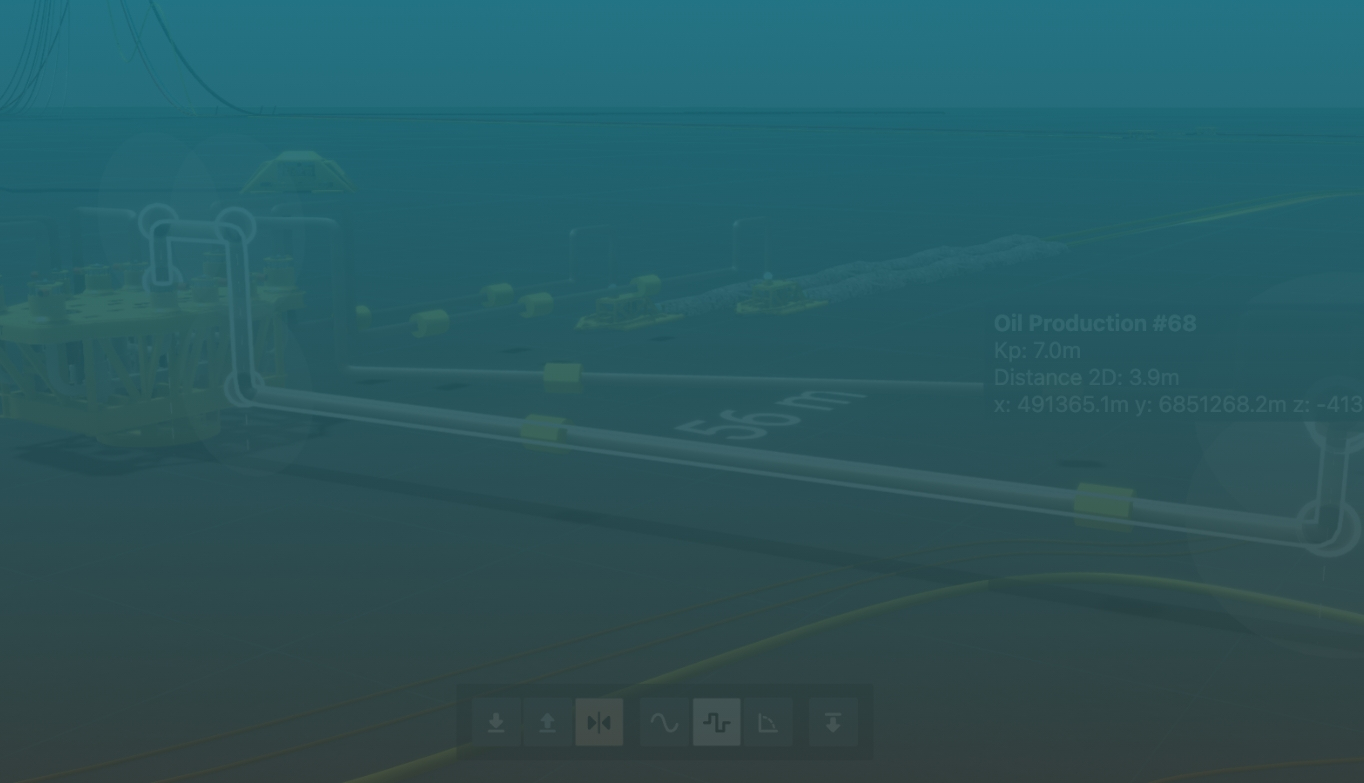
It should not take more than 3 minutes for anyone in our team to find the information they are looking for.
FieldTwin Operate customer, Major NS Operator
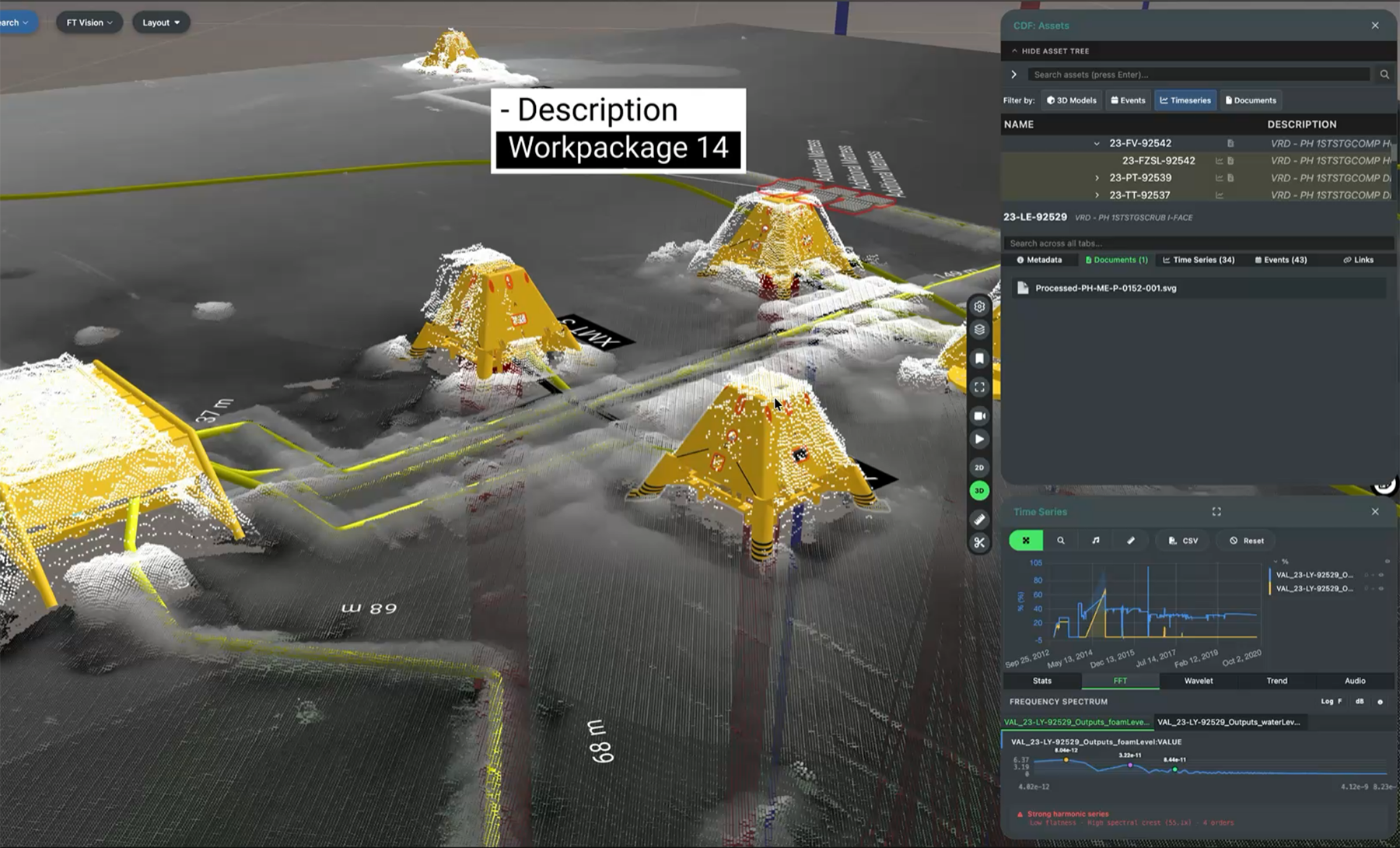
Work from one trusted view
- Access asset data in geospatial context
- View inspection history, documents and operational records together
- Understand where issues are located, not just what a system says
- Reduce time spent switching between disconnected tools
Connect your ecosystem
- Link to existing systems of record
- Integrate with data platforms, GIS, historian tools and document repositories
- Keep data in source systems while making it easier to use
- Avoid vendor lock-in with an open, API-first approach
Everything you can do with FieldTwin Operate
Visual operations workspace
Connected data
Inspection and planning
Secure operations
Lifecycle continuity
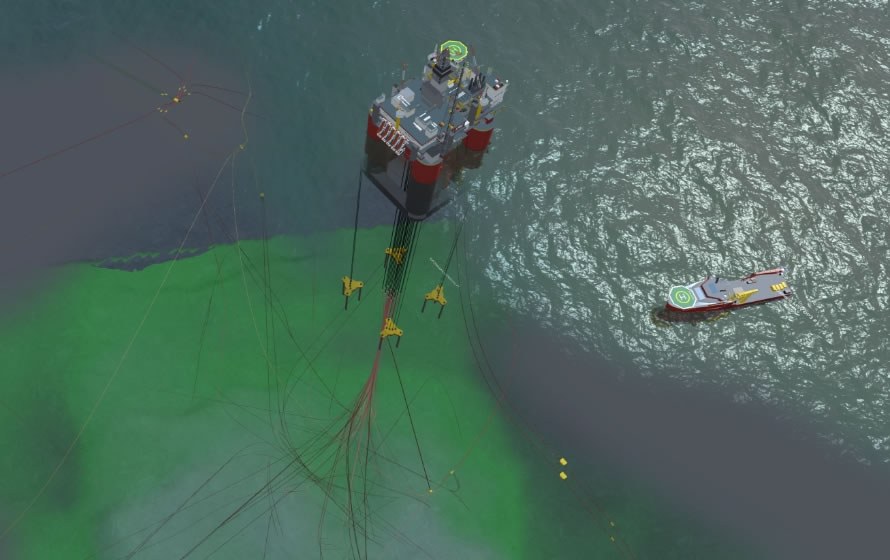
FieldTwin in action

FAQs for operations teams
-
How does FieldTwin Operate help with daily operations?
FieldTwin Operate gives operations teams a single geospatial workspace where every data source (live process data, work orders, inspection records, P&IDs, and integrity alerts) is anchored to the physical asset. Instead of switching between four systems to investigate an alarm, engineers click the structure on the 3D model, as it exists on the seabed, and see the full operational picture immediately. Operate cuts the time spent searching for context from hours to minutes.
-
What type of license do I need?
FieldTwin Operate runs on a per-asset enterprise license and includes user licenses. This removes per-seat friction and makes broad rollout straightforward so there is no extra procurement hurdle every time a new team member needs access. Speak to your FutureOn account manager if you need to discuss enterprise licensing or volume arrangements.
-
What type of data can we monitor?
FieldTwin Operate can connect to live process data from historians such as AVEVA PI and Cognite Data Fusion (CDF), work orders and asset status from ERP and CMMS platforms, asset integrity alerts from tools, GIS layers from ArcGIS, P&IDs and engineering documents from SharePoint and Omega 365 Pims, ROV inspection video, point cloud scans, and AIS marine vessel tracking. All of it is linked to the physical asset on the 3D model, not displayed as separate dashboards.
-
How does the ROV integration work?
FieldTwin Vision uses log data and OCR of video overlay timestamps to automatically map ROV inspection footage to its exact geospatial position on the field model. Teams can click on a structure and instantly access all inspection footage ever captured at that location, without manually scrubbing hard drives or cross-referencing survey reports. Vision supports bulk uploads (or links to your existing storage blob), multi-video playback, and expanded formats including .mpg, .mov, and .avi, with the ability to tag comments directly to specific frames and compare footage across multiple survey campaigns
-
What kind of alerts can we set up?
Alerts from connected asset integrity, historian, and work management systems surface directly on the 3D model at the location of the relevant asset. The platform clusters high-density alerts spatially to avoid visual clutter, and teams can filter by criteria such as criticality or due date. It's now practical to prioritize maintenance campaigns by geographic proximity and risk level rather than working through a flat list. FieldTwin Operate visualizes and contextualizes alerts from the AIM and IDMS tools your team already uses.
-
Can we share data with contractors and service providers?
Yes! Through FieldTwin Collaborate, operators generate token-based links that give contractors scoped access to specific assets or subprojects without exposing the full field database or other vendors' proprietary 3D models and data. Multiple contractors can access the same field simultaneously in a vendor-blind environment, each seeing only what the operator has explicitly granted. External users can receive tasks, flag anomalies, and collaborate directly within the platform.
-
What support do you provide?
FutureOn provides onboarding support, e-learning training, and access to comprehensive product documentation at [docs.fieldtwin.com]. Ongoing platform support includes a 99.95% uptime SLA, a recovery time objective of under four hours, and ISO 27001 and SOC 2 Type 2 certification.
Accelerate clarity across subsea operations
Discover how FieldTwin Operate can help your teams connect data and make faster operational decisions.